


❤️ SOS Safety Watch – One-Touch Help & Fall Alert Support for Seniors
❤️ SOS Safety Watch – One-Touch Help & Fall Alert Support for Seniors


Buy More Save More
Couldn't load pickup availability
- American express payment method
- Apple pay payment method
- Bancontact payment method
- Diners club payment method
- Discover payment method
- Google pay payment method
- Master payment method
- Mbway payment method
- Paypal payment method
- Satispay payment method
- Shopify pay payment method
- Visa payment method
-
Ordered
- - -
Order Ready
- - -
Delivered

❤️ SOS Safety Watch – One-Touch Help & Fall Alert Support for Seniors
Keep The Help Button On The Wrist.
SafeLink™ pairs with a smartphone to support one-touch SOS alerts, caregiver notifications and fall-alert functionality in a simple wrist-worn design.
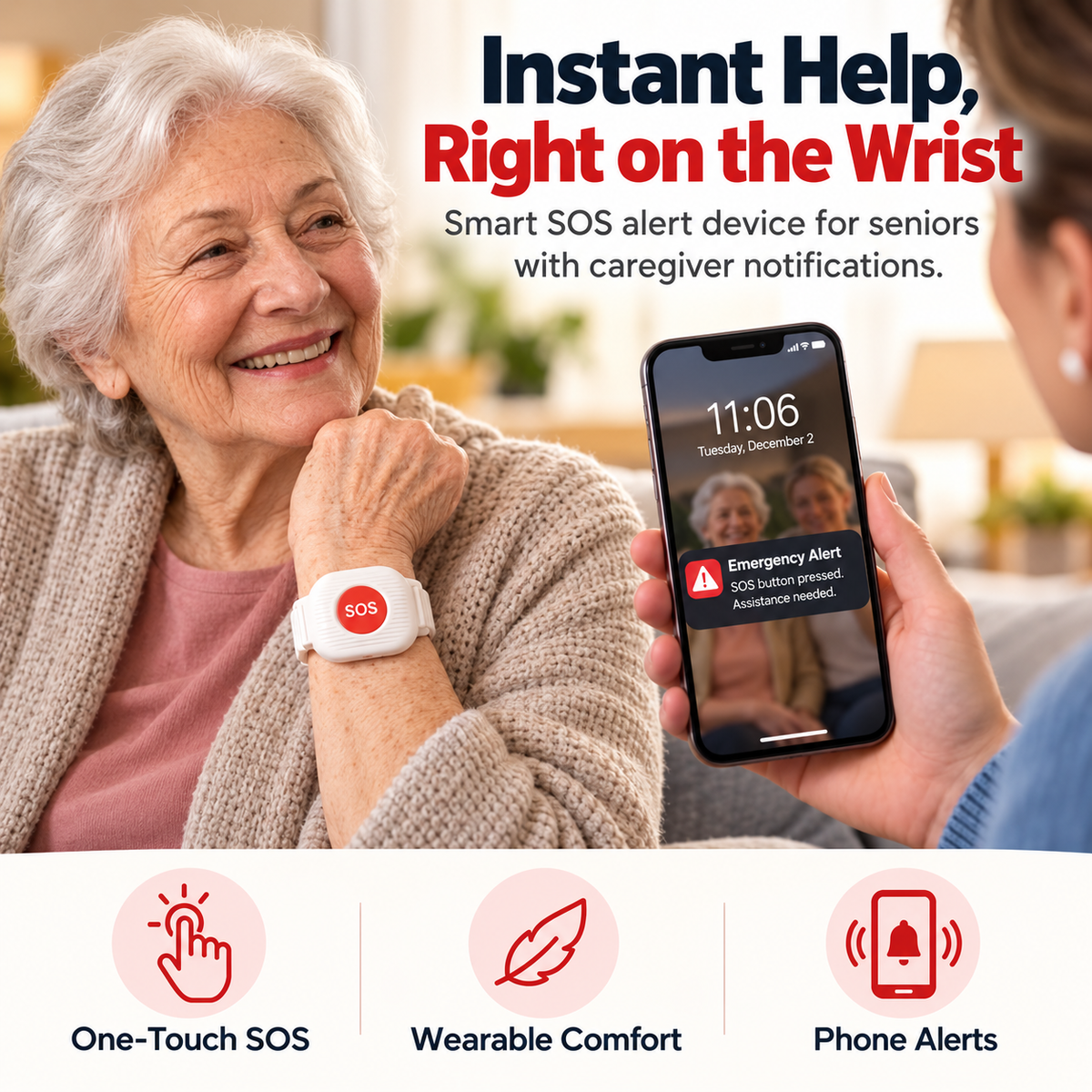
The Phone Can Be Across The Room When Help Is Needed.
SafeLink™ is designed around a simpler idea: keep a dedicated alert control on the wrist so the first action does not have to be searching for a phone.
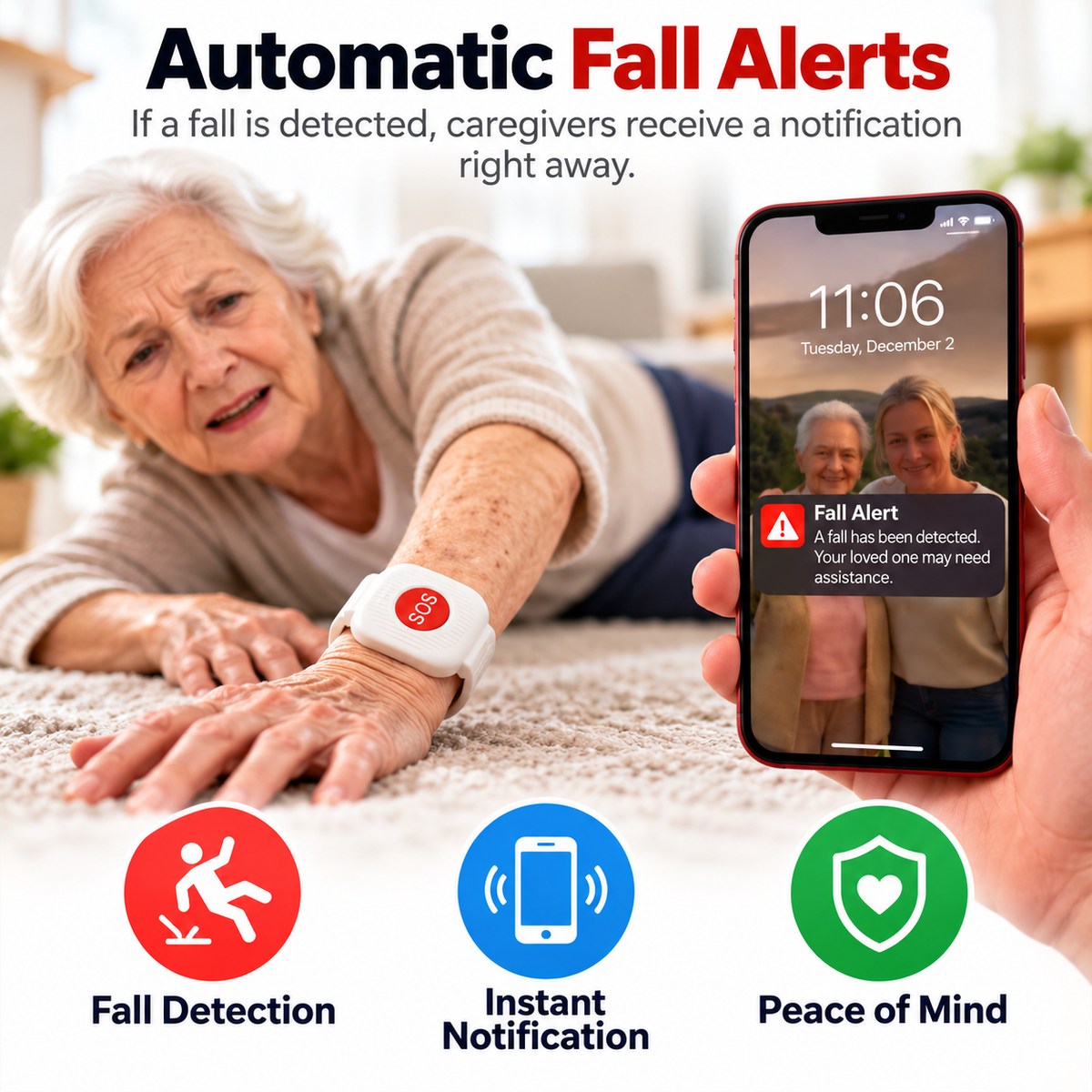
Fall-Alert Support Adds Another Way To Get A Family Member’s Attention.
Current SafeLink™ creative presents automatic fall-detection functionality that can trigger a caregiver notification when the system identifies a possible fall.
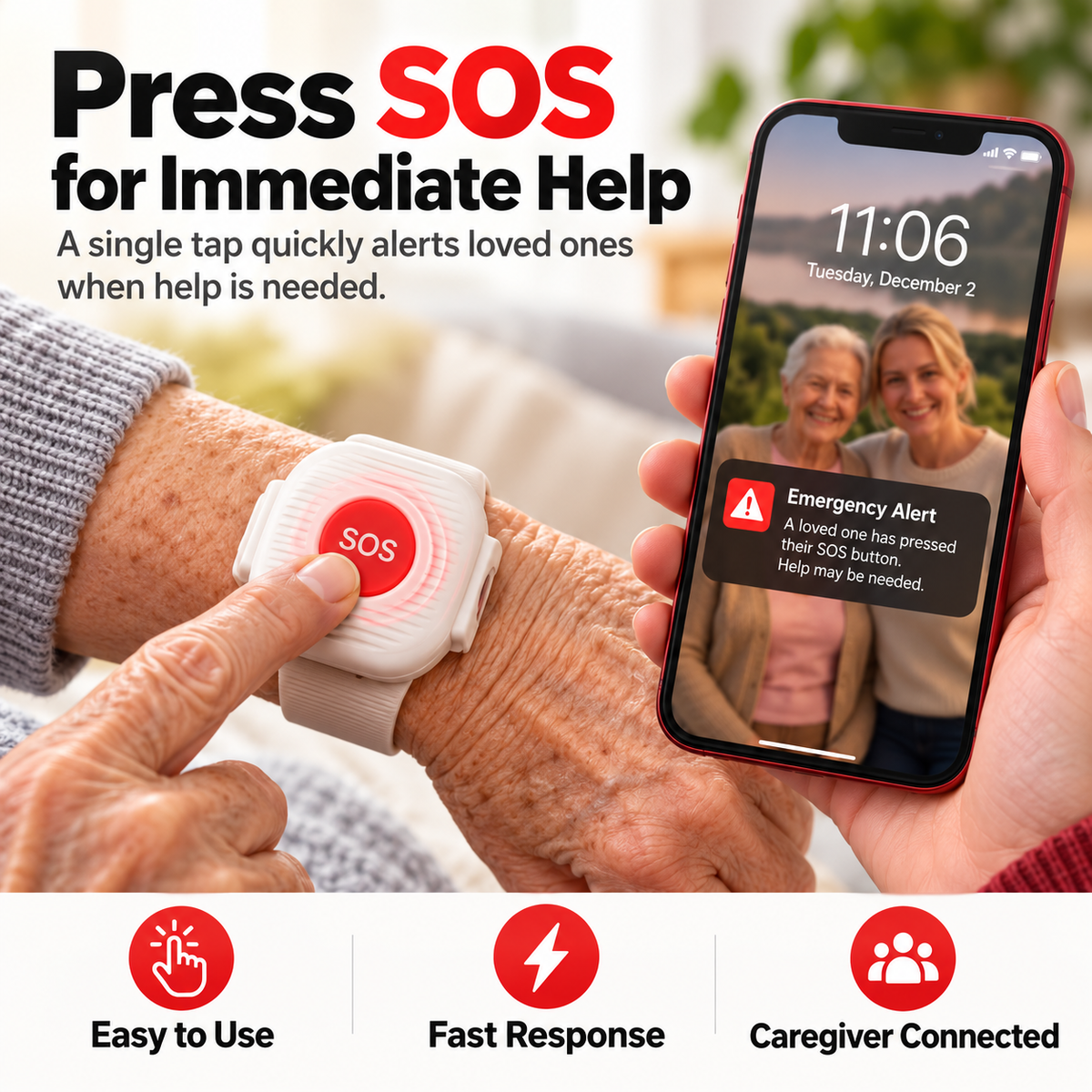
When Something Feels Wrong, Keep The First Step Simple.
The prominent SOS button is designed to reduce the number of steps between recognizing a need for help and sending an alert through the connected system.
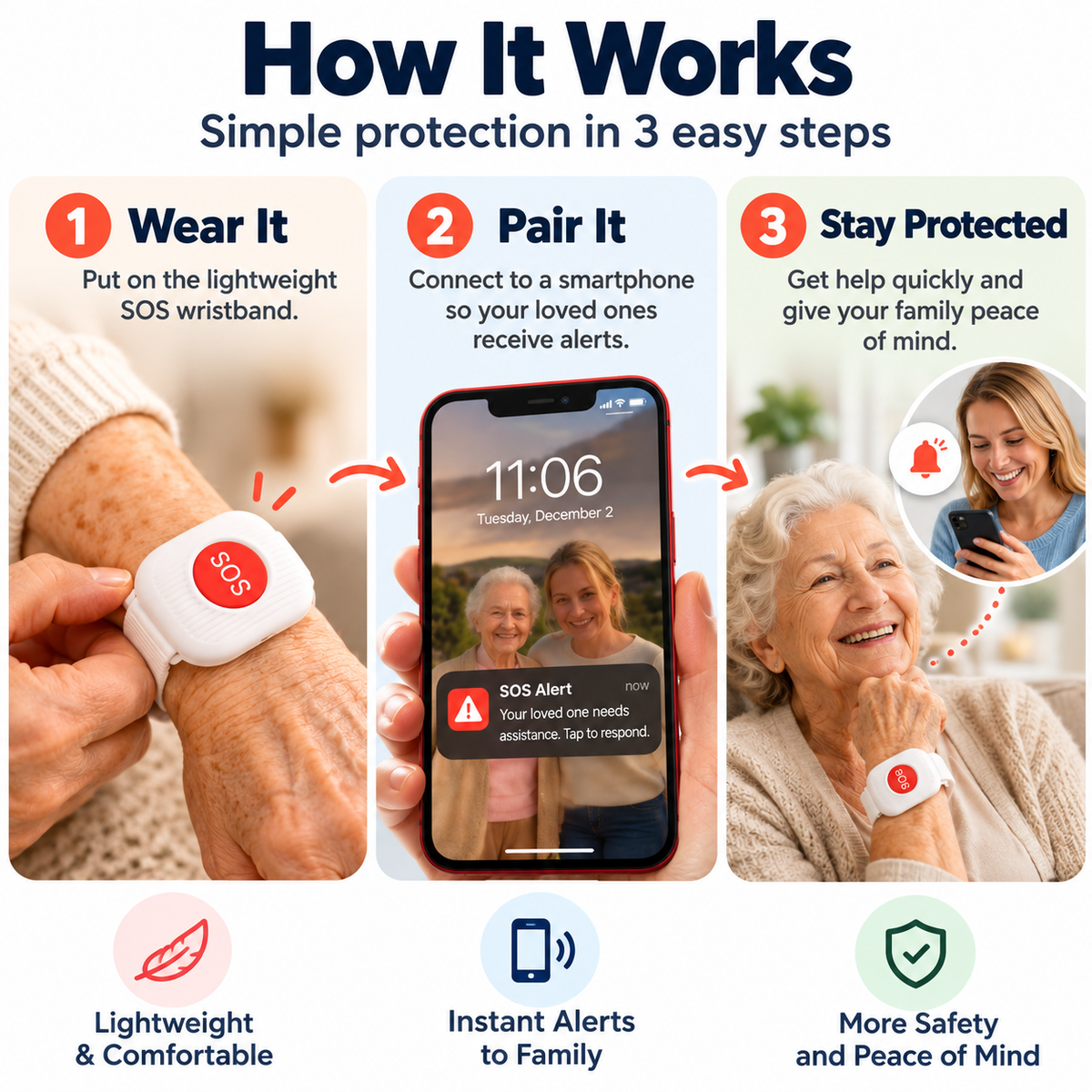
Wear It. Pair It. Keep Help Closer.
SafeLink™ is presented as a wrist-worn alert device that connects with a smartphone so alerts can reach a loved one or caregiver.
Keep The Alert Control With The Person As They Move Through The Day.
Current product creative positions SafeLink™ for daily use around the bedroom, living room, hallway and suitable outdoor routines.
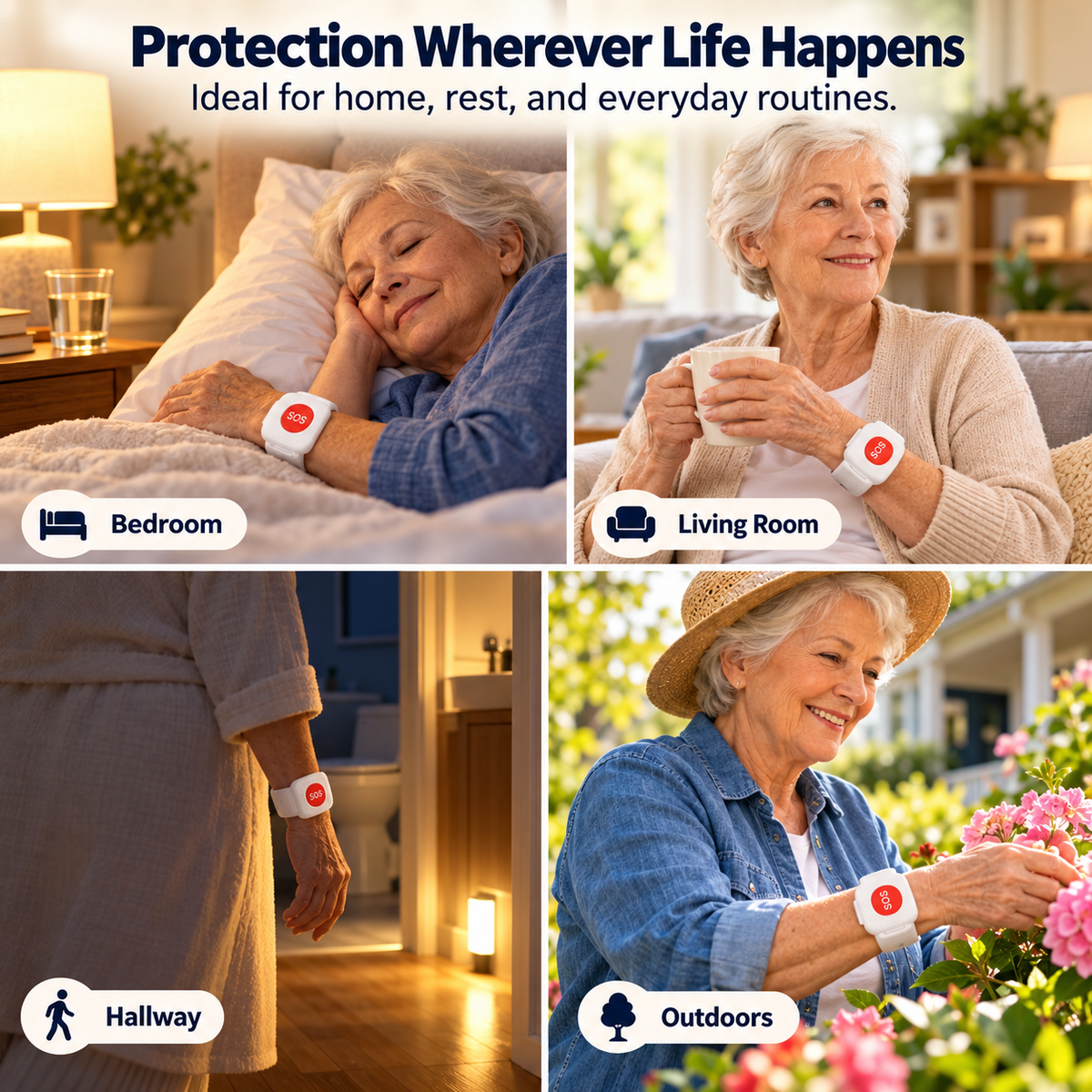
Stay Connected Without Turning Everyday Life Into Constant Supervision.
SafeLink™ is designed to support a more independent routine while giving family another alert pathway when the wearer actively presses SOS or when the system may identify a fall.
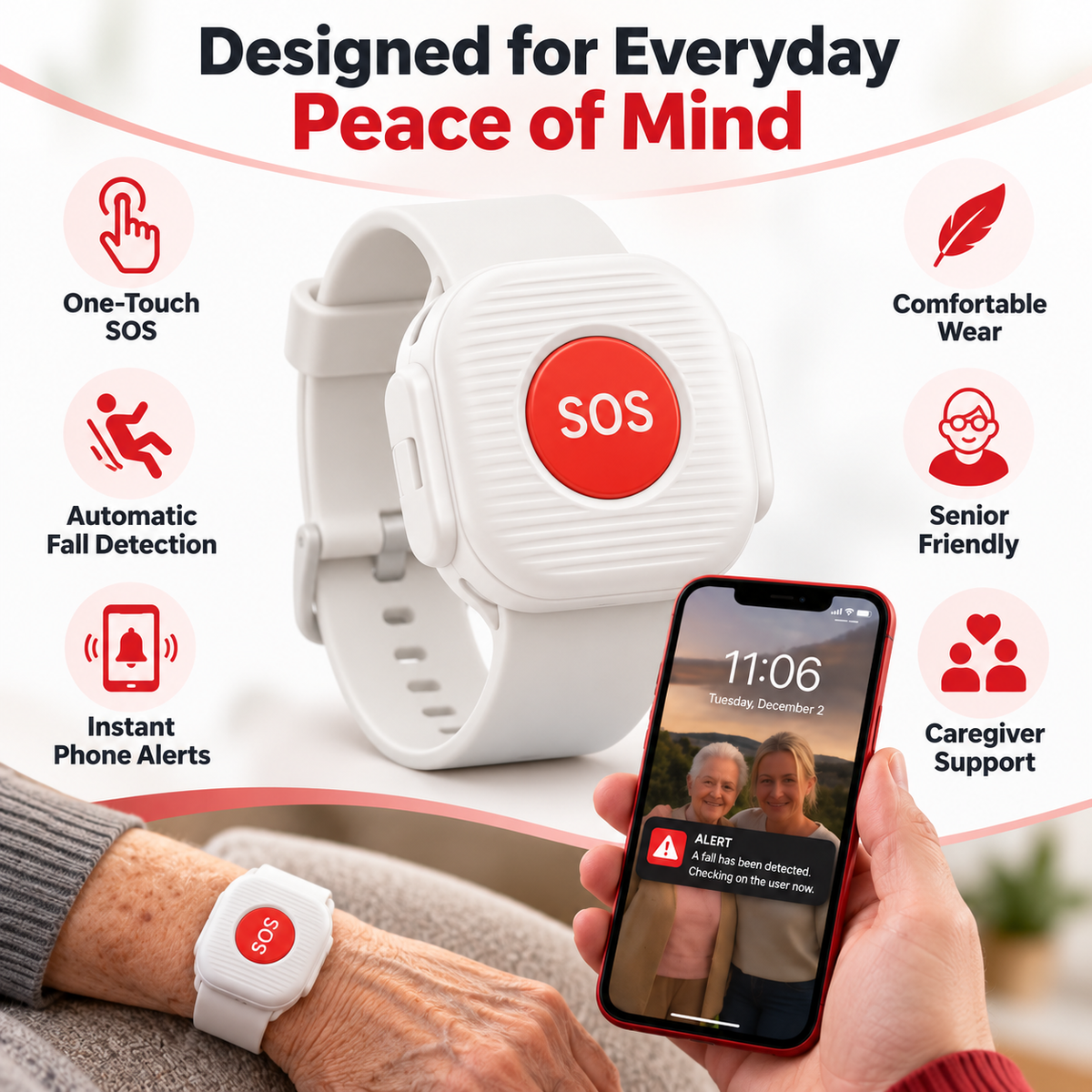
Keep The Communication Step Simple.
A prominent SOS control reduces the number of actions required to initiate an alert through the paired system.
Current product creative presents automatic fall detection that may generate a caregiver notification when a possible fall is identified.
The current product concept centers on sending alerts to a paired loved one or caregiver smartphone.
A wearable format keeps the dedicated SOS control closer than a phone that may be sitting elsewhere.
What The Current Product Creative Clearly Supports.
| Product Type | Wrist-Worn SOS Alert Device / Alert Wristband |
|---|---|
| Manual Alert | Dedicated One-Touch SOS Button |
| Fall Feature | Automatic Fall-Detection / Fall-Alert Functionality Claimed In Current Creative |
| Alert Recipient | Connected Loved One / Caregiver Smartphone Shown In Current Creative |
| Setup Concept | Wear Device • Pair With Smartphone • Receive Alerts |
| Wear Style | Adjustable Wristband Format |
| Scenarios Shown | Bedroom • Living Room • Hallway • Everyday Home Routine • Outdoor Routine |
| Primary Audience | Older Adults • Family Caregivers • Families Supporting Independent Daily Living |
Know What SafeLink™ Is Intended To Support.
SafeLink™ should be treated as an additional alert tool for connected family or caregivers — not as a substitute for emergency services, medical care, professional monitoring or appropriate supervision.
The Questions Families Should Ask First.
Who receives the SOS alert?
Current product creative shows alerts arriving on a connected loved one or caregiver’s smartphone. It does not clearly state that the SOS button directly contacts 911 or a professional monitoring center.
Does SafeLink™ call 911 automatically?
Direct emergency-service calling is not clearly published in the current product information. Do not assume 911 dispatch functionality unless the seller provides separate documentation confirming it.


